Search by trekker name, title, notes or tag on the top page, or pick a trekker icon to filter.
Press “Copy code” on a build you like.
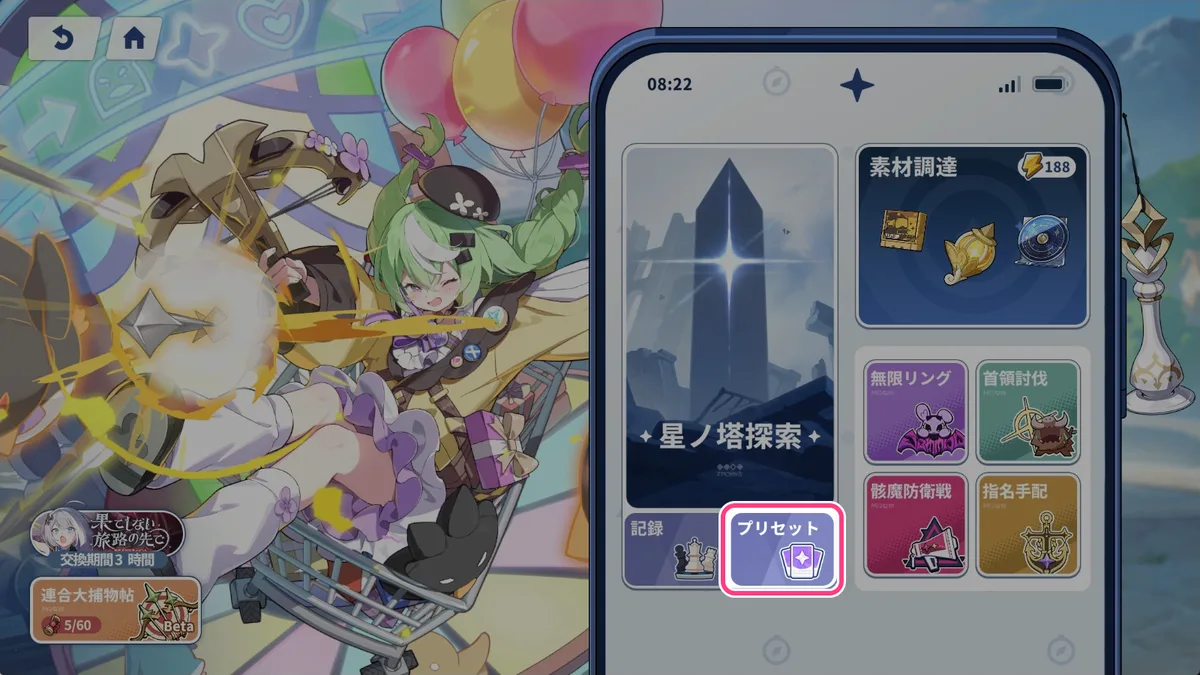
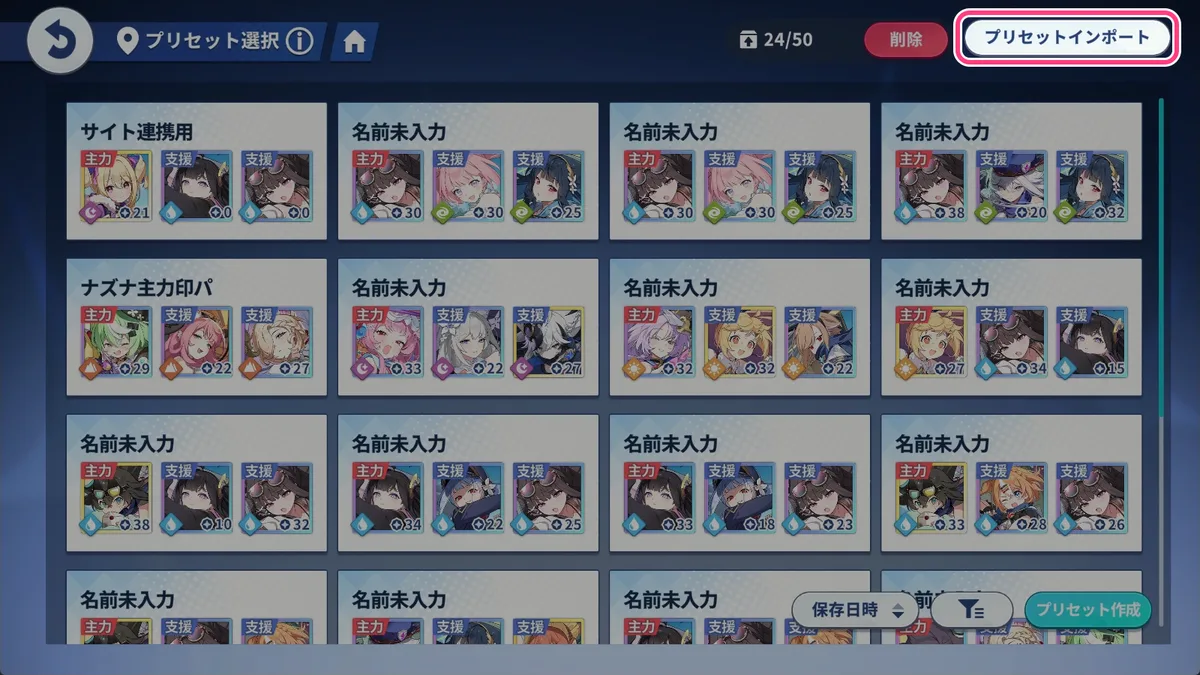
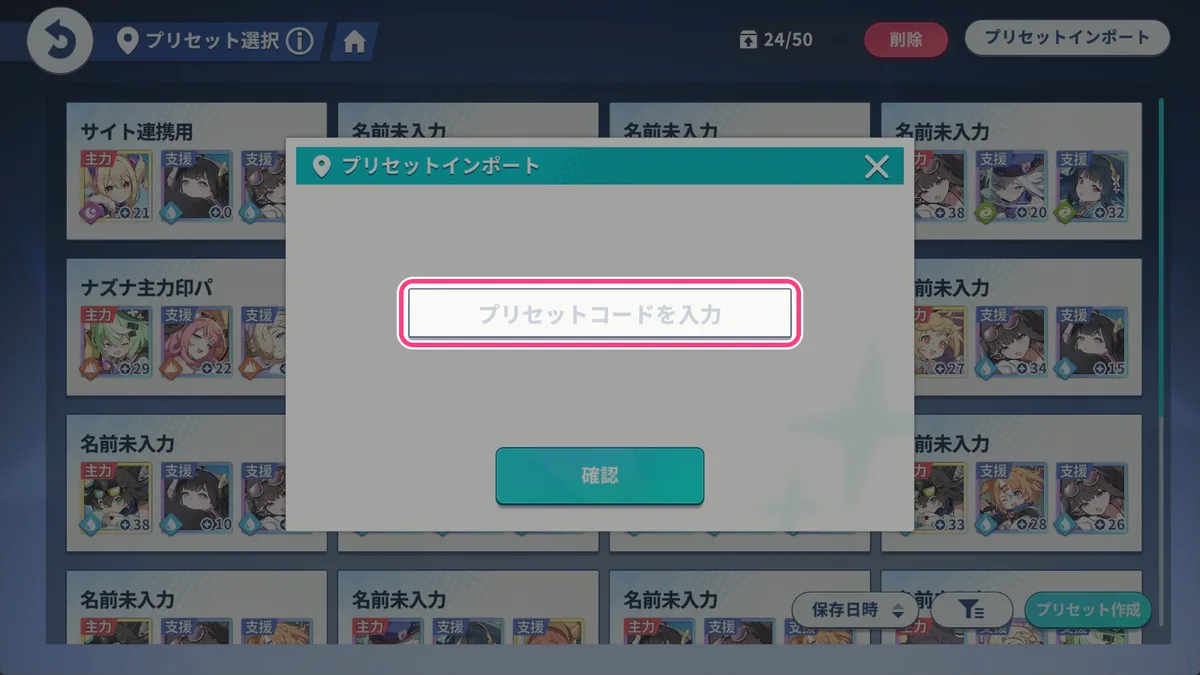
Enter the code in Potential Presets in game to set the build as your goal and see how many more potentials you need.
Potential drops depend on luck. Builds with a very high “Total Lv” work best as a goal, while lower ones are a realistic reference. Use the sort order or “Max total Lv” to filter.
Sharing a build
Create and copy a share code from Potential Presets in game.
Paste it on “Share a build”; the team and potential levels are read automatically.
Add a title, notes and tags, set a delete password and post. No account needed.
The delete password lets you edit or delete your post later. Keep it somewhere safe; it cannot be recovered.
About the potential display
A share code stores, for each trekker, whether each of the 4 core potentials is taken and the level (0–6) of 12 sub potential slots. Trekkers with a registered mapping are shown by potential name, grouped like the game (Build 1, Build 2, Common; core = pink, rainbow = blue, normal = orange). Others are shown by slot number 1–12. If something looks wrong, use “Report an error / suggest a fix” on the build page.
New trekkers
Codes with trekkers that are not registered yet can still be posted. They show as “Unknown #ID” until an admin adds the name and icon.